
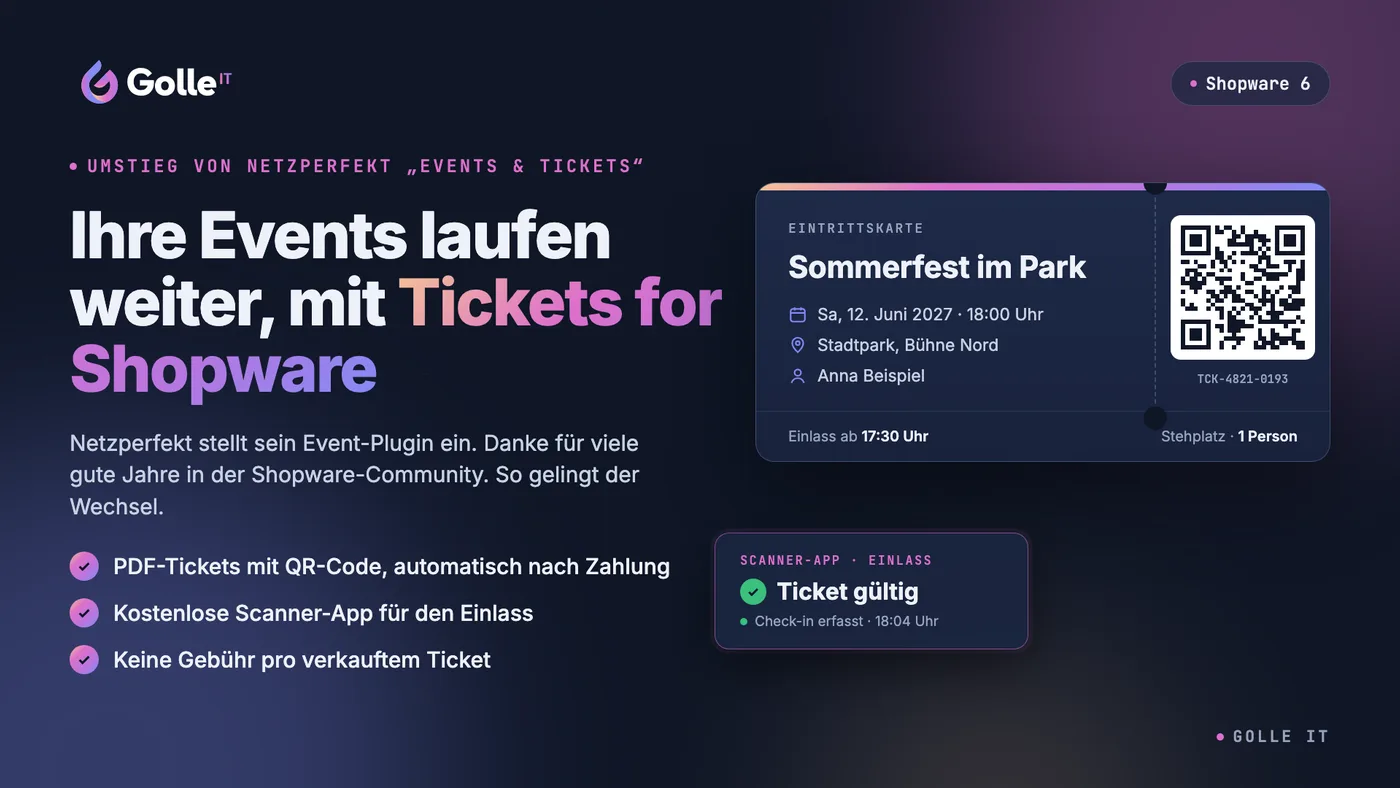
Netzperfekt "Events & Tickets": How to Switch to Tickets for Shopware
For many years, Netzperfekt has developed extensions for Shopware, including "Events & Tickets", which many shops use to sell their events. At the end of the year, Netzperfekt will stop this work. We would like to say thank you for their valuable service to the Shopware community, and we wish the team all the best for the future!
For shops that use "Events & Tickets", the question now is: what's next? Here is a short overview.
What Is Changing?
- Netzperfekt will discontinue its Shopware extensions on December 31, 2026. The plugins for Shopware 6 are expected to be released later as open source (GPLv3) on GitHub.
- Shopware is ending the rental contracts for "Events & Tickets" at the end of each current contract period. The exact date is in the email from Shopware. After that, shops are asked to uninstall the extension. There is no automatic switch.
- The check-in app (Mobile Shop Manager) from Netzperfekt has not been supported since late 2025.
So there is still time, but it is worth planning the switch early, especially if you have already sold tickets for next year's events.
In its email, Shopware names Tickets for Shopware by GOLLE IT as a possible alternative.
Tickets for Shopware
Tickets for Shopware has been available in the Shopware Store since 2019. The current version runs on Shopware 6.6 and 6.7. You mark a product as a ticket, and after payment your customer automatically receives a PDF ticket with a unique QR code by email.
Included in the base price
- Free scanner app for iOS and Android
- PDF tickets with a unique QR code
- Automatic delivery after payment
- Personalization: name and separate email address per ticket
- Download in the customer account and on the order confirmation
Optional in-app extensions
- Ticket Extras: invalidate and resend tickets, free tickets, CSV export
- Ticket Designer: your own ticket layout directly in the Administration
Price: €29.95 per month or €269.95 per year via the Shopware Store, with no fee per ticket sold.
Is It a Good Fit for Your Shop?
In Tickets for Shopware, one ticket product (or variant) is one event date. For most event shops – concerts, courses, guided tours, tastings – this is simple. If you run events with many dates and a separate quota per date, test it in a staging environment first. Or send us a short description of your setup, and we will tell you honestly whether it fits.
Keep Your Already-Sold Tickets
So that you do not have to contact your customers again, we are working on a migration tool. It will transfer events, dates, participants and already-sold tickets from "Events & Tickets", so that the old tickets can then be checked with our scanner app.
The migration tool is not available yet. If you are interested, write to support@golle-it.de – ideally with your Shopware version, contract end date and the approximate number of events. We will contact you as soon as it is ready.
The Switch in Four Steps
- Try it: Install Tickets for Shopware in a test environment, create a typical event as a ticket and scan it with the app.
- Set it up: Mark your event products as tickets and, if needed, adjust personalization and the ticket layout.
- Ask for the migration tool: If you have already sold tickets for future dates, write to support@golle-it.de.
- Clean up: Uninstall "Events & Tickets" after your contract ends – make a backup first.
If you have questions, we are happy to help.